Door Delivery and Installation Handover: Which Documents Should Be Ready?
Prepare a consistent set of order references, packing information, configuration drawings and applicable product instructions. Assign responsibility for receipt checks, installation interfaces and outstanding questions. Delivery alone does not establish installation readiness.


The team receiving packages may not be the team that selected the door. I would aim to make the handover understandable to both: what has arrived, which opening it belongs to and what still needs to be confirmed before installation.
Prepare a consistent set of order references, packing information, configuration drawings and applicable product instructions. Assign responsibility for receipt checks, installation interfaces and outstanding questions. Delivery alone does not establish installation readiness.
At a glance
| Review item | Information to identify | Decision or confirmation |
|---|---|---|
| Receipt | Packages, quantities and references | Receiving record |
| Configuration | Current drawings and product documents | Correct installation basis |
| Interfaces | Supports, power and site work | Assigned responsibilities |
| Completion | Required records and open issues | Clear handover status |
Can the receiving team identify the goods?
Match package identification and quantities to the agreed packing information.
For multiple openings or mixed kits, keep references consistent across the order and receiving documents. Ask how discrepancies or visible transit issues should be recorded under the agreed process. Do not assume every package contains a complete assembly; use the actual packing list.
Which configuration documents should the installer use?
Provide the current confirmed drawings and relevant product instructions.
An earlier quotation drawing may no longer describe the order after a revision. Identify the current version clearly and separate project drawings from general catalogue illustrations. If installation conditions have changed, ask for review instead of expecting the site team to adapt the configuration informally.
Who provides the remaining interfaces?
Allocate supports, power, wiring, installation and commissioning responsibilities.
A handover can reveal gaps if both parties assumed someone else would provide a fixing or connection. I would put these responsibilities beside the remaining work, with the relevant contact or role. This is a coordination checklist; it does not imply JBL provides local installation or every site service.
What belongs in the final record?
Keep the installed configuration, relevant instructions and unresolved items identifiable.
Ask which records the project requires for operation and maintenance and who supplies them. Preserve the product and part references needed for future enquiries. Do not treat a delivery signature as evidence that all installation, testing or project acceptance requirements have been completed.
What should you include in your enquiry?
You do not need to fill every gap before contacting me. Please share what is available and identify what is still uncertain, so the next questions can focus on your project.
| Share | Include | Check |
|---|---|---|
| Packing information | Package-to-order mapping | Match mixed openings |
| Current drawing set | Confirmed revisions | Separate superseded versions |
| Instructions | Relevant product documents | Identify missing items |
| Responsibility list | Remaining work and review roles | Do not leave interfaces unassigned |
When further review is needed
This is a handover planning guide, not installation instructions or acceptance certification. Actual work and responsibilities must follow the project agreement.
Frequently asked questions
Does delivery mean the door is ready to install?
Not necessarily. Confirm site conditions, documents and remaining interfaces first.
Can a catalogue replace installation instructions?
No. Use the relevant instructions and project-specific arrangement.
Who carries out commissioning?
It must be clear in the agreed scope; do not assume responsibility from a product purchase alone.
What helps a later spare-parts enquiry?
The model, current assembly references and installed configuration records.
Product Documents & Further Reading
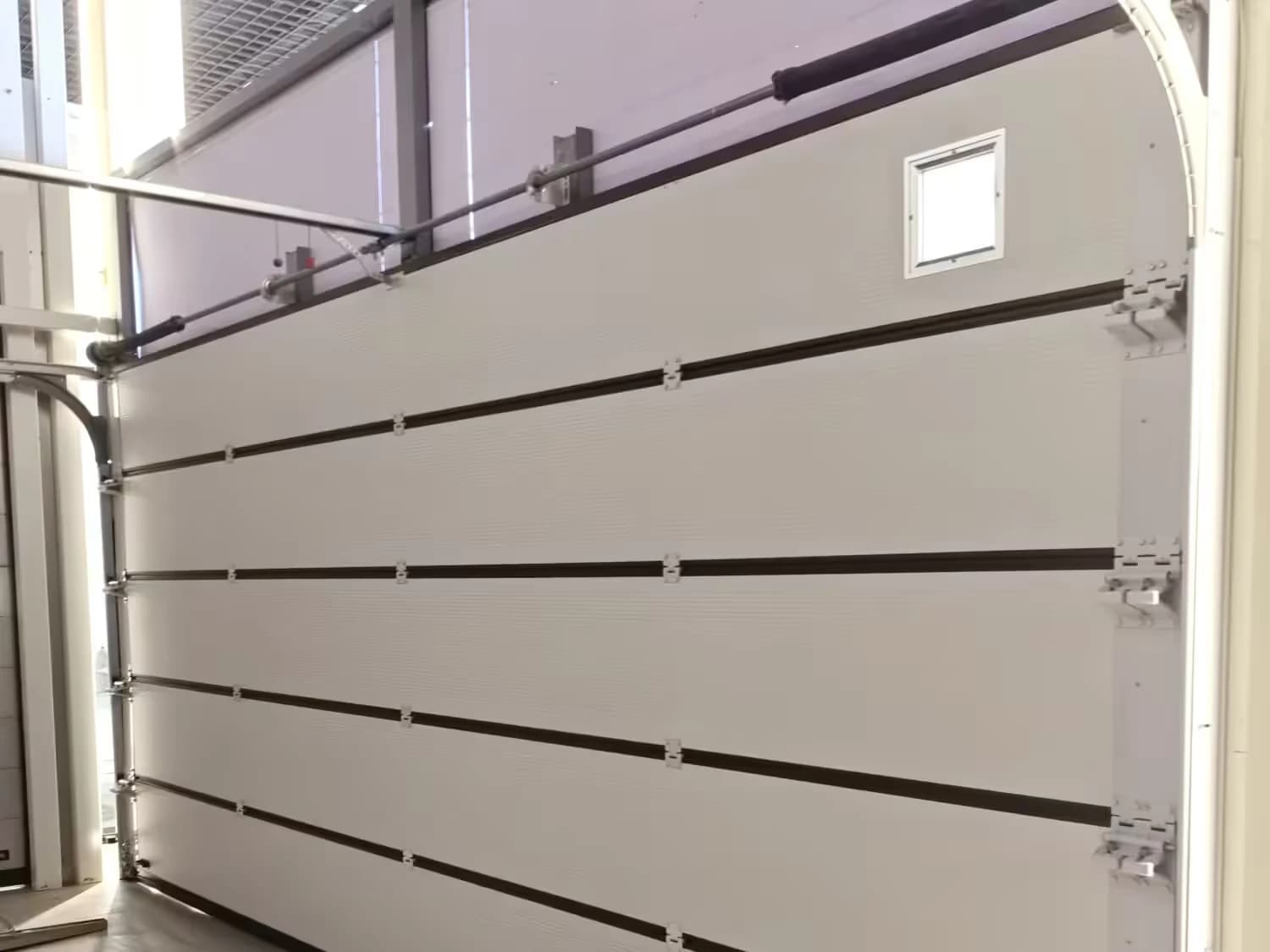
This is a buyer’s checklist, not a configuration approval or installation instruction. Review the product documents and confirm the selected assembly against your requirements. The illustrations explain what to look at; they do not establish dimensions or performance.